Scan once. Done.
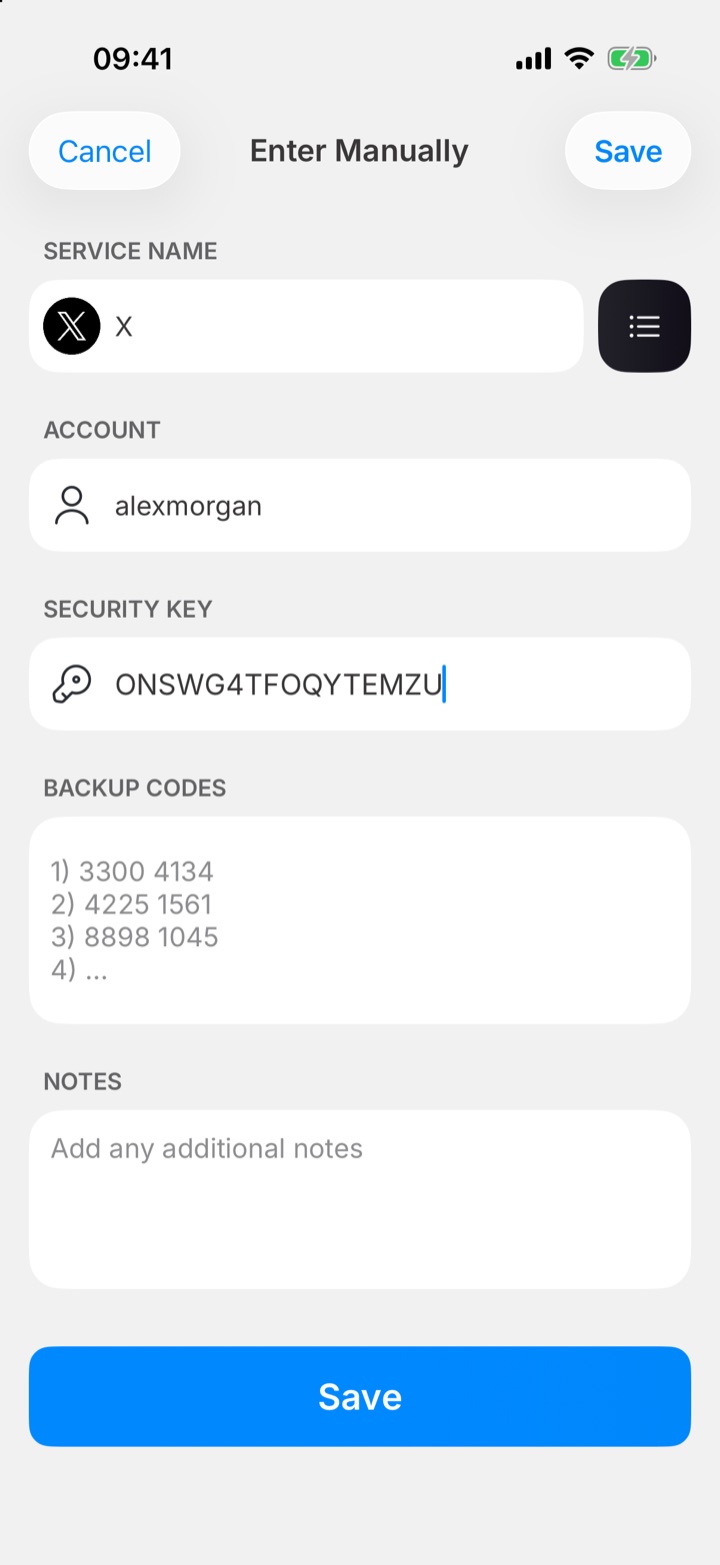
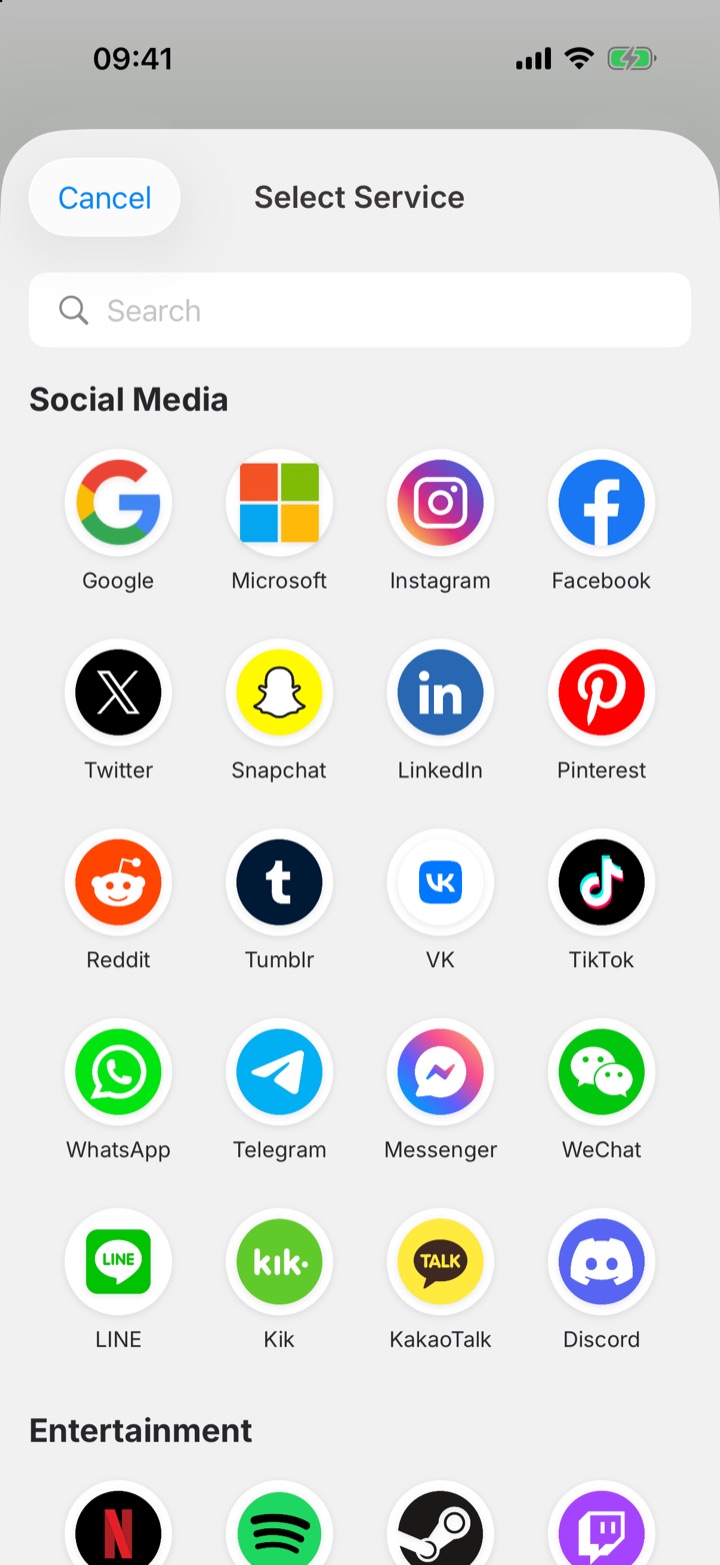
Point your camera at a QR code or pick from a library of popular services with their logos built in. You can even import everything from Google Authenticator.
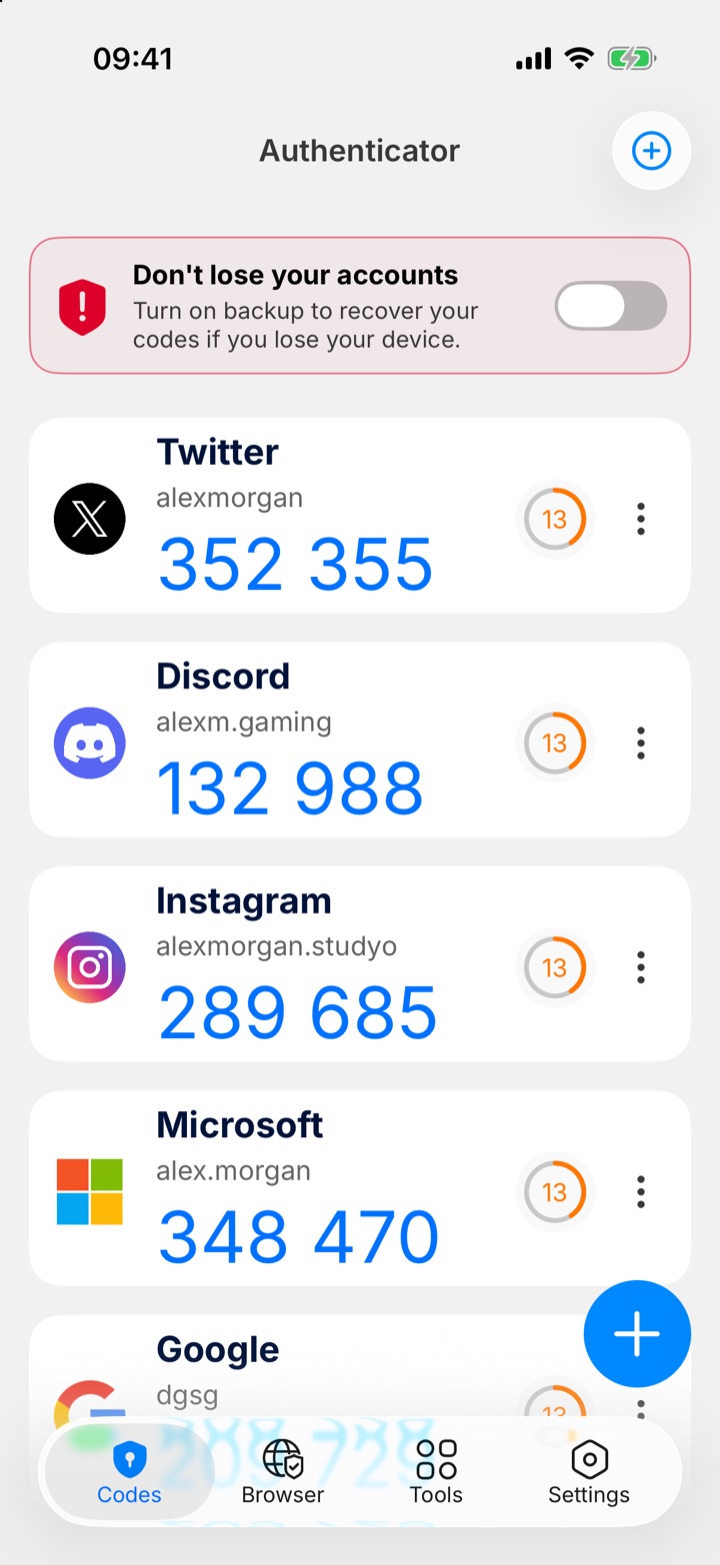
Smart Authenticator keeps your two-factor codes for Google, Microsoft, Instagram and thousands of other services encrypted, backed up and one tap away.

 Scan with your iPhone camera to download
Works with thousands of services
Built for iPhone from the ground up — fast, private and beautifully simple.
Point your camera at a QR code or pick from a library of popular services with their logos built in. You can even import everything from Google Authenticator.
Fresh one-time codes every 30 seconds with a clear countdown. Works offline — no signal needed.
Lock the app with Face ID or your own passcode, so only you can see your codes.
New phone? Restore every account in seconds. Your backup is encrypted before it leaves your device.
Block screenshots of your codes with one switch, keeping them out of your photo library.
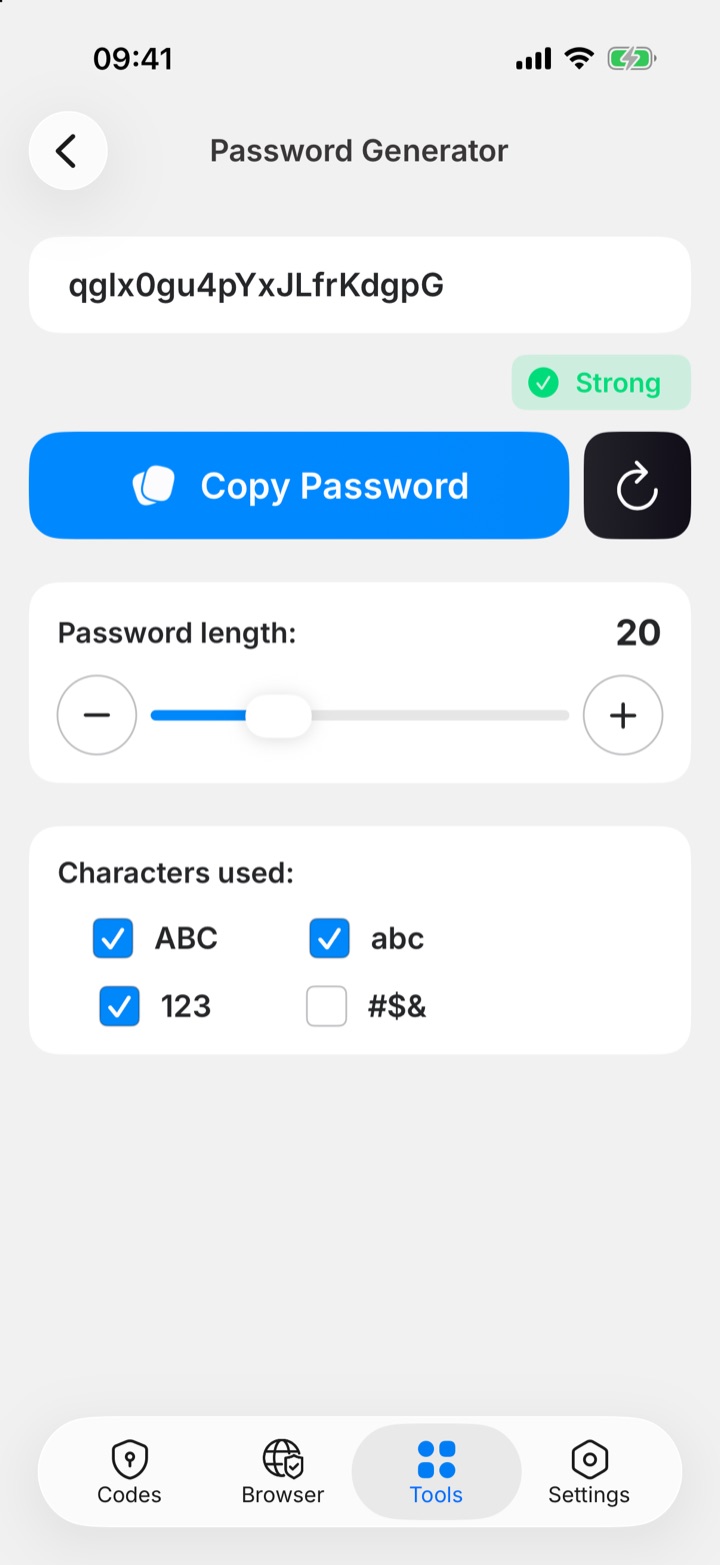
Create strong, unique passwords with the length and characters you choose — and copy them in one tap.
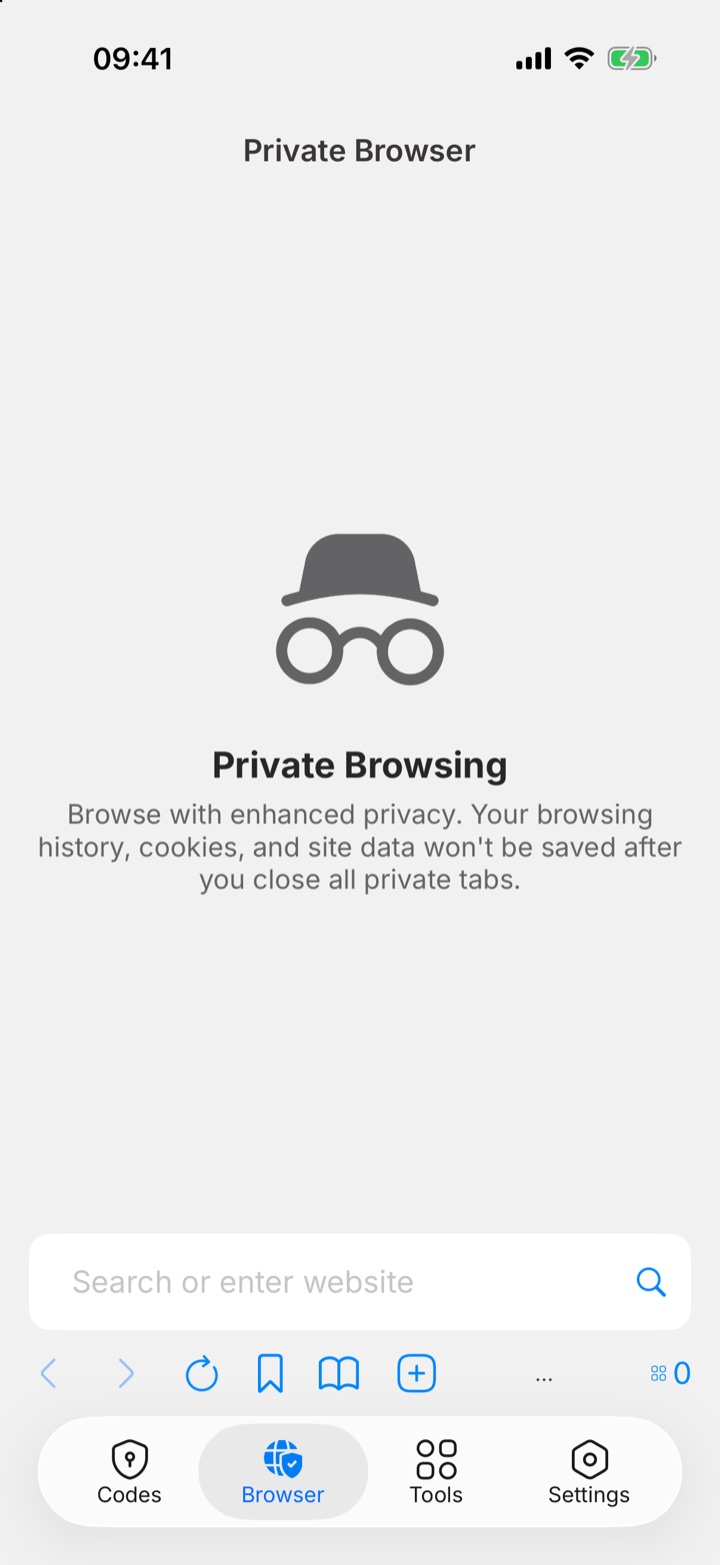
Browse without leaving a trace. History, cookies and site data are wiped when you close your tabs.
Scan the QR code a website shows you, or type the setup key yourself. Smart Authenticator recognises the service and adds its logo automatically.
Glance at your wrist or your Home Screen. Codes stay in sync, so the right one is always there when a site asks.
Your secrets are encrypted on your device before they are ever stored or backed up.
Every secret key, account name and note is encrypted before it is stored or backed up. The encryption key never leaves Apple's secure Keychain.
On your phone and in your backup, your secrets are always stored encrypted.
Your codes and secret keys are never shared, sold or used for advertising.
Codes are generated on your device, so they work on a plane, abroad or with no signal at all.
See how Smart Authenticator stacks up against the usual choices.
| Feature |  Smart AuthenticatorSmart |
Google AuthenticatorGoogle | Microsoft AuthenticatorMicrosoft |
|---|---|---|---|
| 2FA codes for any service | ✓ | ✓ | ✓ |
| Face ID lock | ✓ | ✓ | ✓ |
| Cloud backup | ✓ | ✓ | ✓ |
| Apple Watch app | ✓ | – | – |
| Home Screen widgets | ✓ | – | – |
| Password generator | ✓ | – | – |
| Private browser | ✓ | – | – |
| QR code creator | ✓ | – | – |
Based on the publicly available iOS apps, November 2026. Google and Microsoft are trademarks of their respective owners.
2FA adds a second step when you sign in: besides your password, you enter a 6-digit code that changes every 30 seconds. Even if someone steals your password, they can't get in without that code.
Turn on two-factor authentication in the website's security settings. It will show a QR code — tap + in Smart Authenticator, scan it, and you're done. You can also enter the setup key manually.
Yes. In Google Authenticator, choose Transfer accounts → Export, then scan the QR code with Smart Authenticator. All selected accounts are imported at once.
Turn on encrypted backup and your accounts are restored automatically when you sign in on your new iPhone. Without a backup, your codes only exist on your old device — so we recommend turning it on.
No. Codes are generated on your device, so they work anywhere, even in airplane mode. A connection is only needed for backup and sync.
Smart Authenticator is free to download. Premium unlocks unlimited accounts, encrypted cloud backup, Apple Watch support and advanced tools.
Smart Authenticator is made for iPhone and Apple Watch. There is no Mac or Android version at the moment.
Download Smart Authenticator and add your first account today.
Scan with your iPhone camera to download